

Running dnsdb_query.py Under termux on Android


Most security analysts access DNSDB API using
from a Mac laptop or similar environment, although DNSDB Scout (a browser extension for Chrome and Firefox) is rapidly growing in popularity. We’ve also previously explained how to install and run dnsdbq in the Windows Subsystem for Linux.
However, did you ever wish you could access DNSDB API from a command line environment on your non-rooted Android smartphone or Android tablet? It turns out this actually is possible. We’ll show you how to do so using termux, “[…] an Android terminal emulator and Linux environment app that works directly with no rooting or setup required.”
Rather than installing a full C language compile-and-link environment on the Android device, we’ll illustrate accessing DNSDB with
dnsdb_query.py
(Farsight’s legacy Python command line client) instead.
Here’s what we did on a sample Samsung Galaxy S6 Edge smartphone, connected over WiFi….
0. Backup your Android device and ensure it is running the most recent vendor-recommended version of Android.
1. Install
termux
(free) from the Google Play Store.
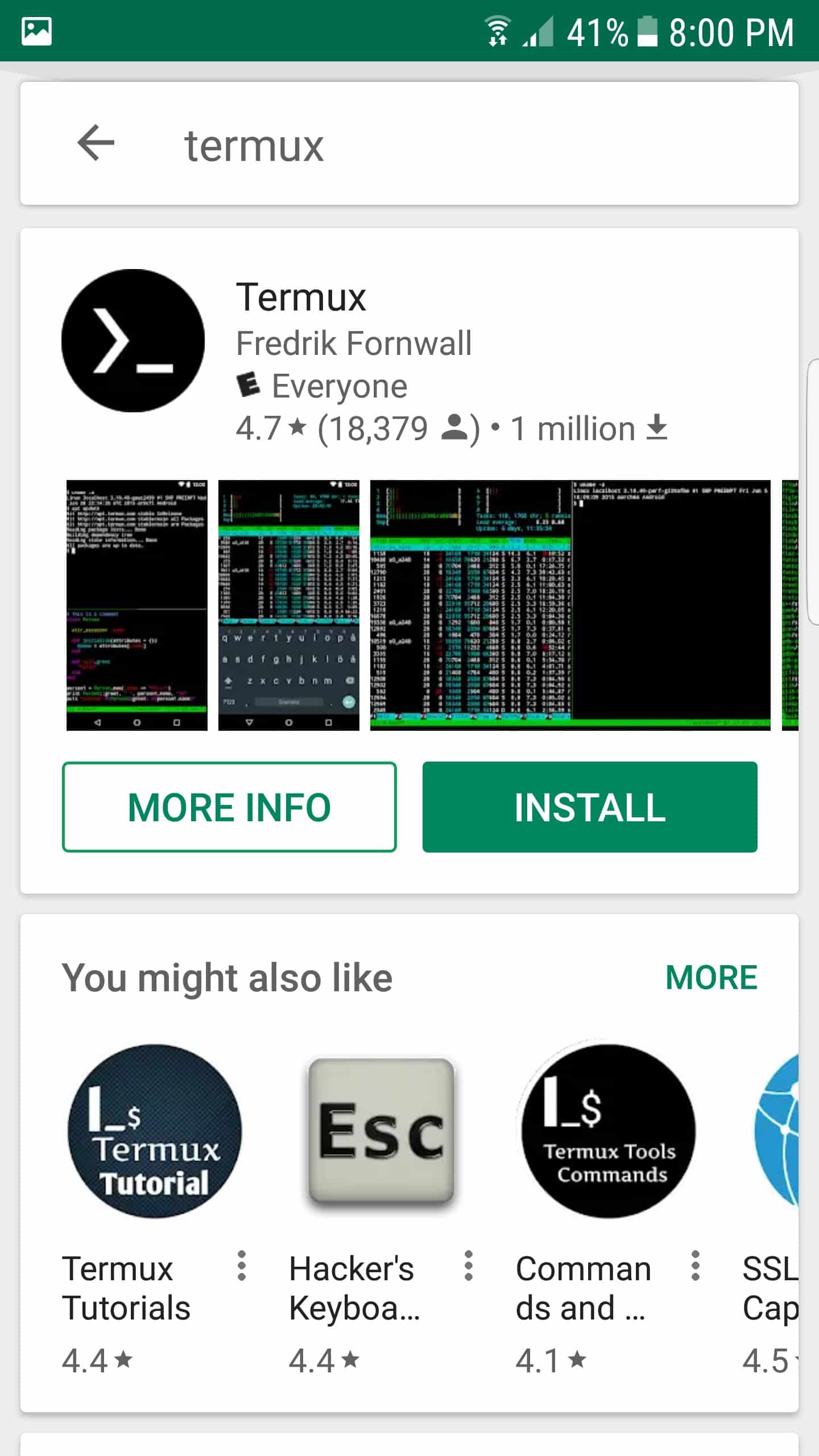
Once
termux
has been installed, launch the application by double tapping it.
2. Enable the Extra Keys Row on the
termux
keyboard by pressing
Volume Up+Capital Q
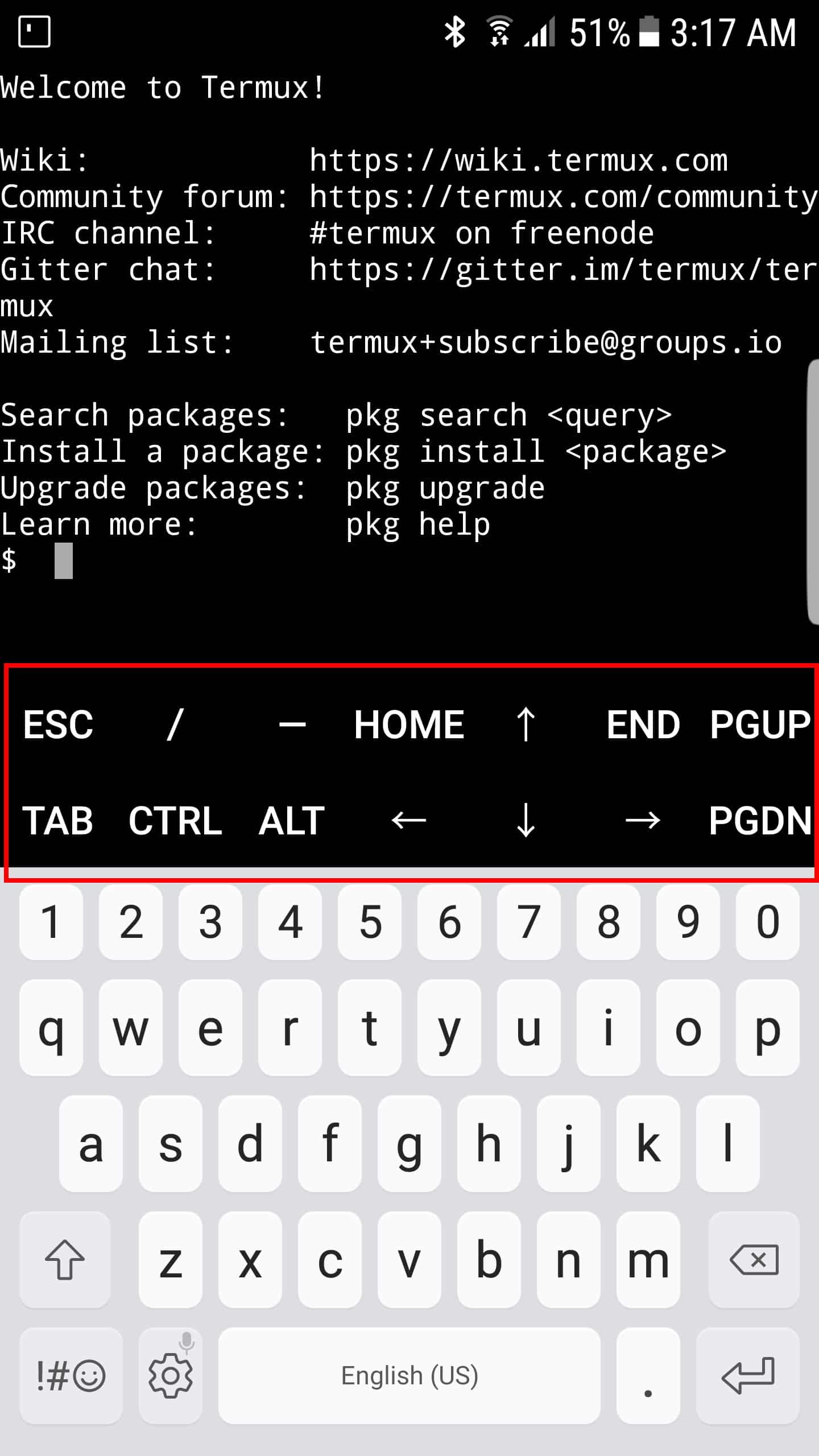
Verify that you now see an extra row of keys on the
termux
keyboard including ESC, CTRL and the arrow keys, as shown:
3. In
termux
, upgrade all packages:
$ pkg upgrade
4. Install the nano, git and python2 packages:
$ pkg install nano git python2
5. Clone the
dnsdb_query.py
repository:
$ git clone https://github.com/dnsdb/dnsdb-query.git
6. Using
nano
, ensure that
dnsdb_query.py
is configured to look for
python2
$ cd dnsdb-query
$ nano dnsdb_query.py
use your arrow keys to go to the end of the first line
        change
python to python2
CTRL+O then RETURN to accept the filename
CTRL+X
7. Copy the modified
dnsdb_query.py
up into your home directory:
$ cp dnsdb_query.py ..
8. Change back to your home directory:
$ cd
9. Using
nano
, create
~/.dnsdb-query.conf
(note the squiggle slash leading dot in that filename!)
$ nano ~/.dnsdb-query.conf
APIKEY="myLongDNSDBapiKeyGoesHere"
CTRL+O then RETURN to accept the filename
CTRL+X
Note: The shell variable name
APIKEY
must be typed all uppercase; lowercase or mixed case variable names (e.g.,
apikey
) won’t work. The
apikey
itself (the long secret sequence of characters) is case sensitive (so enter it as it was shipped to you by Farsight).
10. Run a test query (note the leading dot slash is required unless you copy the file to a directory in your default path):
$ ./dnsdb_query.py -r www.ieee.org/CNAME
	;;  bailiwick: ieee.org.
	;;      count: 143,635,789
	;; first seen: 2010-06-24 03:11:19 -0000
	;;  last seen: 2019-01-14 21:44:59 -0000
	www.ieee.org. IN CNAME www.ieee.org.edgekey.net.
We hope this short post helps show how you can take DNSDB with you pretty much wherever you may be!
For more information about DNSDB visit here or contact our sales department at [email protected].
Joe St Sauver Ph.D. is a Distinguished Scientist with Farsight Security, Inc..


